Lexilinx is essentially a digital flashcard app designed to make learning even more effective.
The name is a combination of the Greek word lexi (Λέξη, meaning “word”) and the English word links – together signifying “word connections.”
In Lexilinx, you work with individual card sides that you can link together to form cards. This way, a card can have not just two sides, but any number of sides. In addition, you can link your card sides to other relevant card sides or to folders.
It’s well known that we learn most effectively when we associate new information with what we already know. In Lexilinx, you can link new material to previously learned content, connect words with example sentences, or organize your cards into folders – just like how connections are formed between brain cells during learning.
Have fun and good luck learning!
Create links
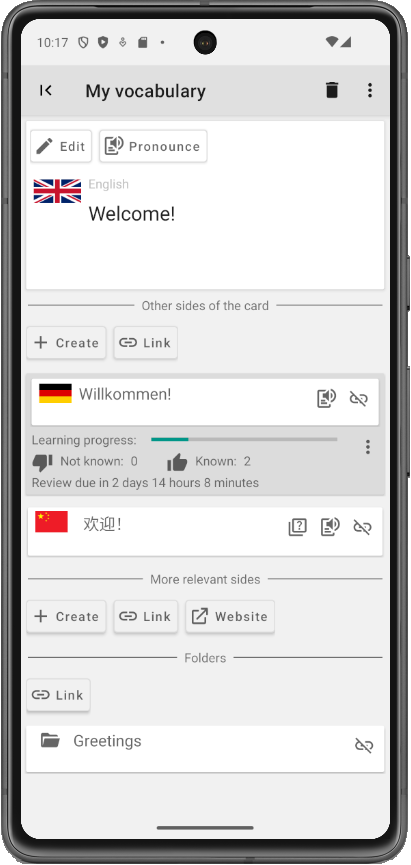
Use the following types of links:
Other sides of the card
A language is flexible – you can translate a word in many different ways into foreign languages. Or maybe you’re learning several languages at once.
The good news: in Lexilinx, a card can have any number of sides, even in different languages.
Relevant sides
It may be easier to remember a word if you have an example sentence for it.
No problem: simply create a card side with the example sentence and link it to your word.
External websites
If you know a cool website with relevant content, simply create an external link.
Folders
Categorizing isn’t easy:
A word from your textbook? An animal? A word you learned in August? Or maybe all at once?
Create as many folders and subfolders as you like, and link your card sides to as many folders as you want.
Create exercises
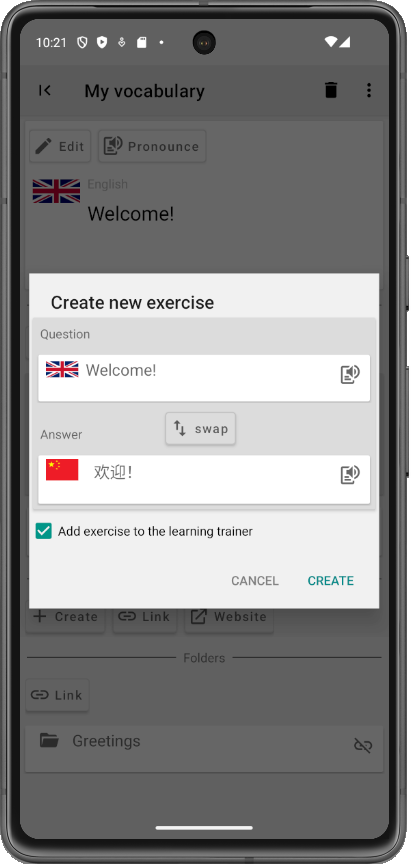
Lexilinx automatically creates exercises from your card sides. However, if you want more control, you can create the exercises yourself.
Practice with the vocabulary trainer
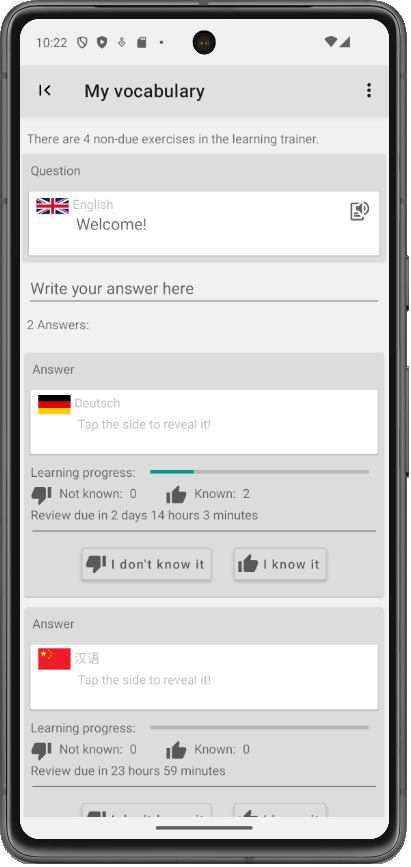
The most effective way to learn is: repeat, repeat, and repeat.
The vocabulary trainer will test you as often as necessary – and for as long as it takes to reach your learning goal.
Sometimes multiple answers are possible: tap the answer sides to reveal them, or type your answer in the input field – the vocabulary trainer will compare your response with the possible answers.
Organize your card sides
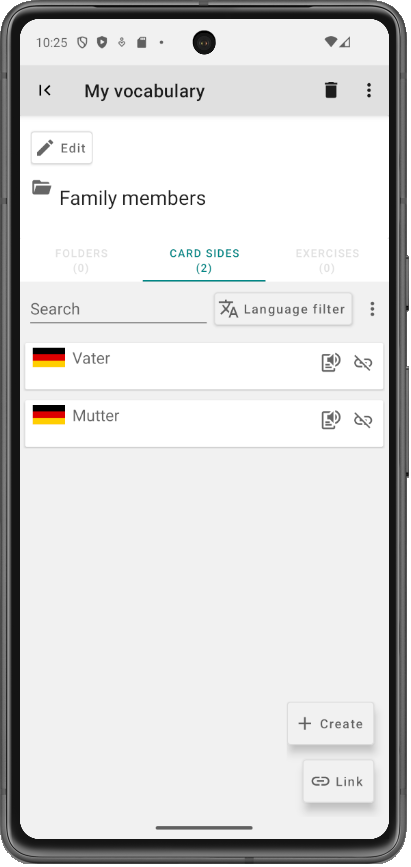
Link your card sides to as many folders as you like.
This way, you can quickly look up thematically related words.
The corresponding exercises are automatically displayed within the folder. This allows you to start focused reviews where only the words linked to that folder are tested.
Use card sides without language
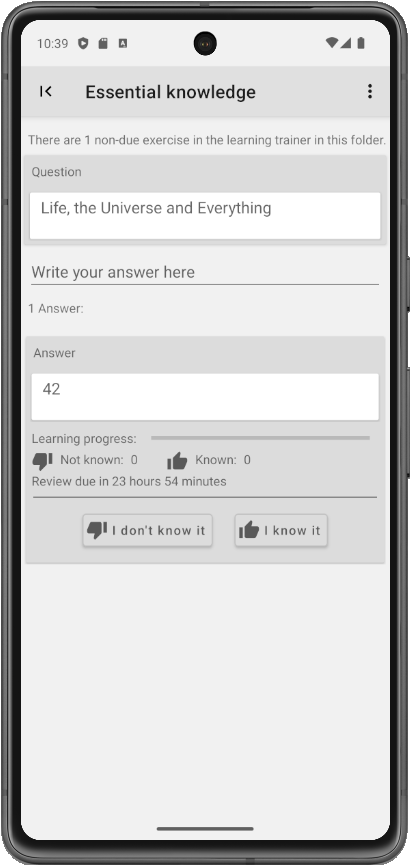
Even if you want to learn things other than languages, LexiLinx can support you just as well.
Create card sides without assigning a language and use them as question and answer sides when creating an exercise.
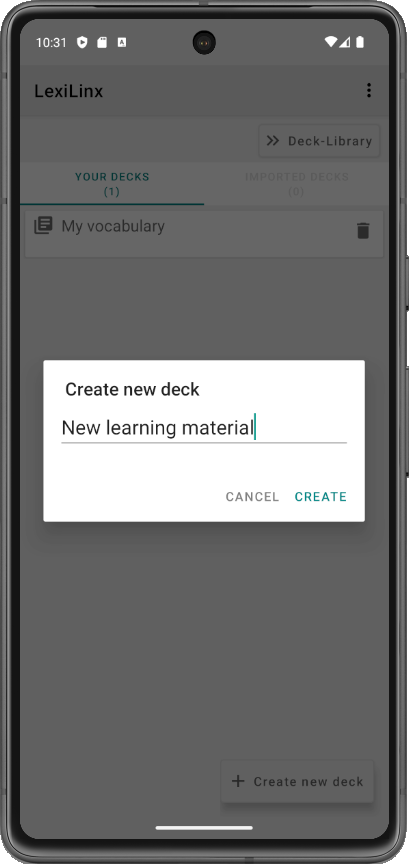
Create decks
You can create multiple decks.
Decks can be exported into a deck file.
For example, if you are a language teacher, you can create decks with the material from your lessons and send them to your students.
They can then add the content of the deck to their own.
For backup purposes, you can also upload the deck file to a cloud service of your choice.
Import decks from the library
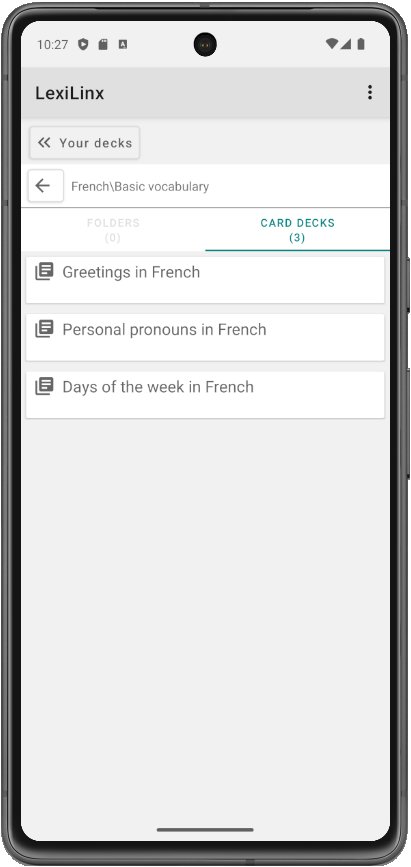
From the deck library, you can download pre-made decks and import them into LexiLinx.
You can copy the content of the imported decks into your own deck and start learning the words right away.